Know what is sitting in every port
A cargo policy can mean goods on a vessel today and in a warehouse at a windswept port tomorrow.
Marine exposure management is seeing what is at sea, what is in port and what is in storage, and how much of it one event could touch.
One cargo, three places, one footprint.
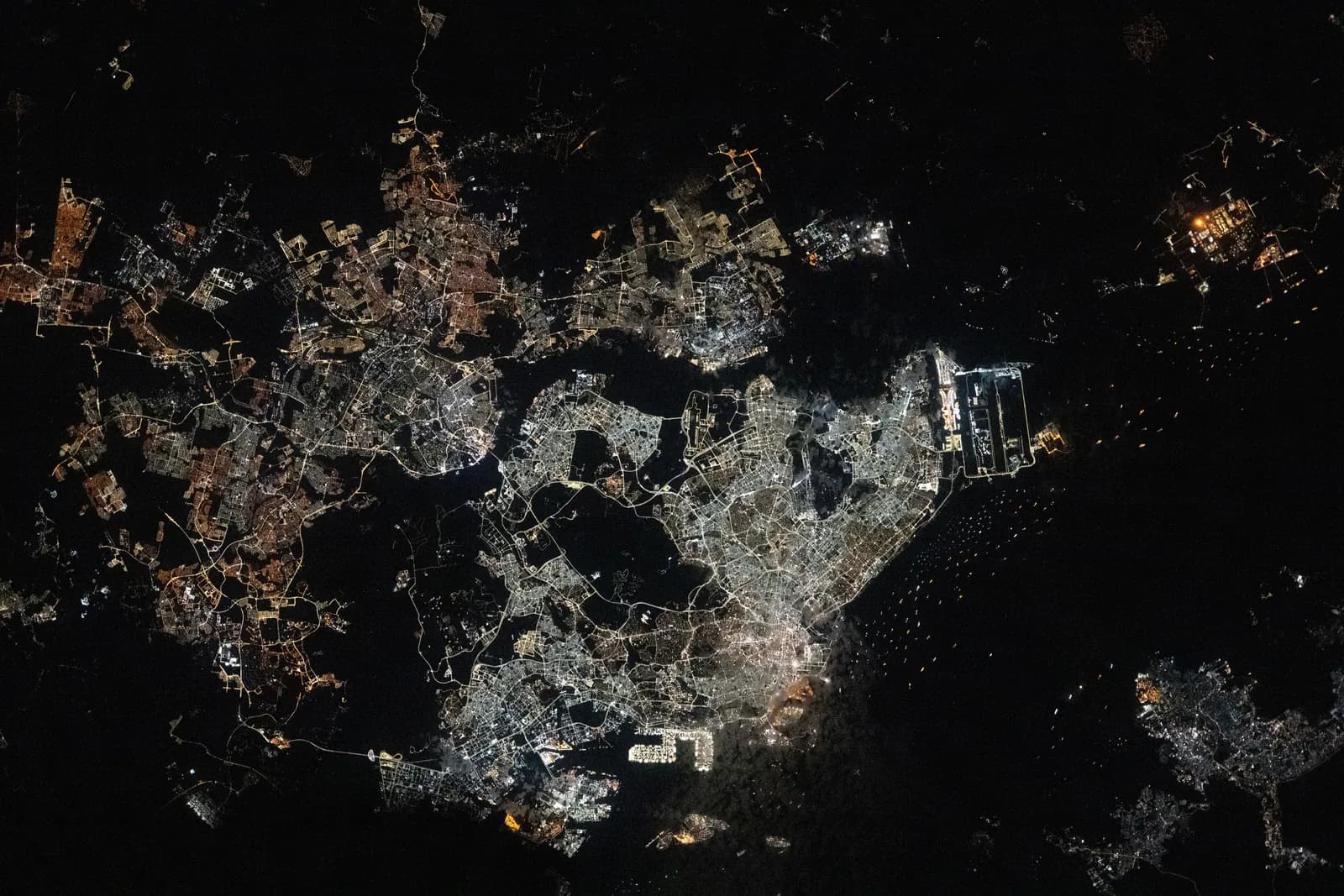
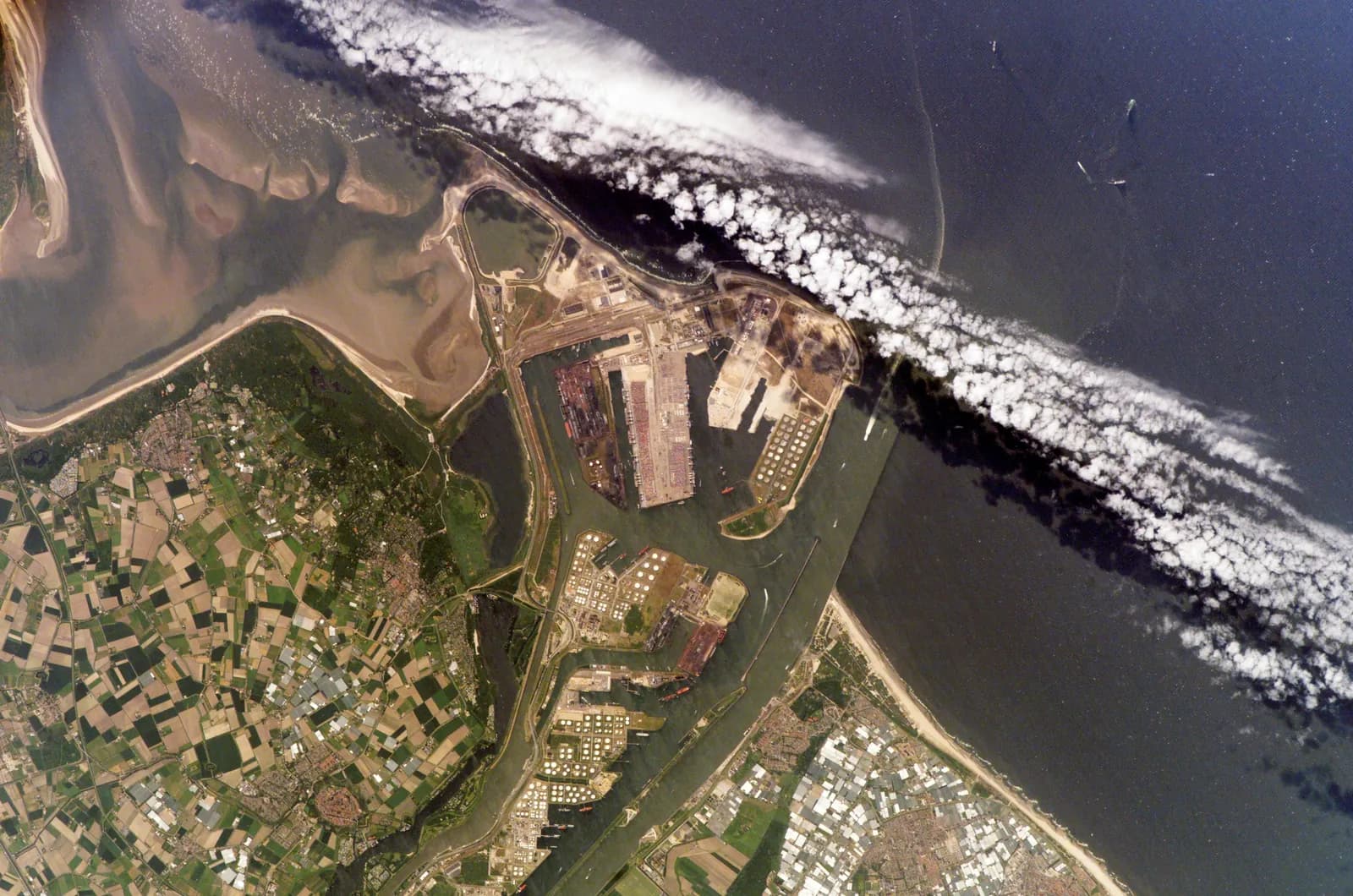 Photo: NASA
hull, cargo and stock inside one harbour.
A storm is forecast near a port. What is in that harbour tonight?
The answer is rarely in one place. Each record was written by a different person, and all of them sit under the same wind field.
Marine exposure management places every one of them where it physically is, and sums them as one footprint.
On a vessel whose position changes every hour.
A different policy, on the same vessel.
Last week's cargo, in a warehouse two miles inland.
What is sitting in this port: one cargo, three places.
The vessel is on its route
Hull value and the cargo on board are placed on the vessel's position and route, not on the address where the policy was written. Nothing here counts against the port yet.
The same footprint, on the real screens.
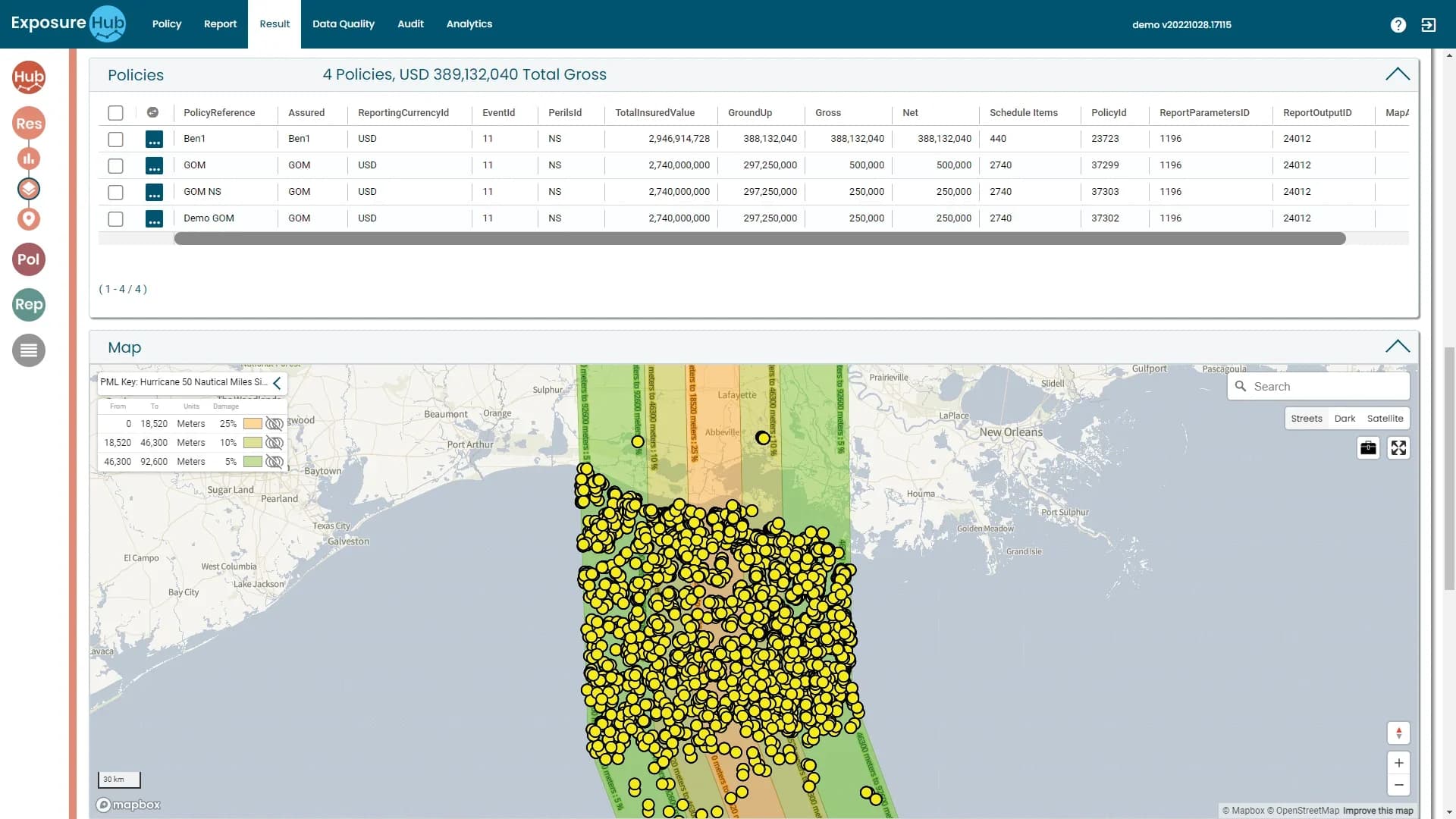
A hurricane over the Gulf coast
The Result tab draws the storm track, shows the damage key beside it and puts every location in the schedule inside its band.
- Policies, ground-up, gross and net
- The key keyed to the damage bands
- These are demo policies, not marine data
ExposureHUB demo environment · sample data
Where the ports sit on the map.
ExposureHUB is configurable by line of business. Your marine schedules map into the platform through ConfigHub, then flow through the same locate, accumulate and scenario steps as any other class.
Public Ebix material names a dedicated module only for Energy. For marine, the platform is the same configurable, multi-line one, set up with your own schedules.
Ask the book where the cargo is.
The questions a team asks of this book, and what in the platform answers each.
What the weather does to a harbour.
A named storm crosses a port region. Vessels alongside, cargo in transit sheds and stock in warehouses all sit under the same wind field, whichever policy covers them.
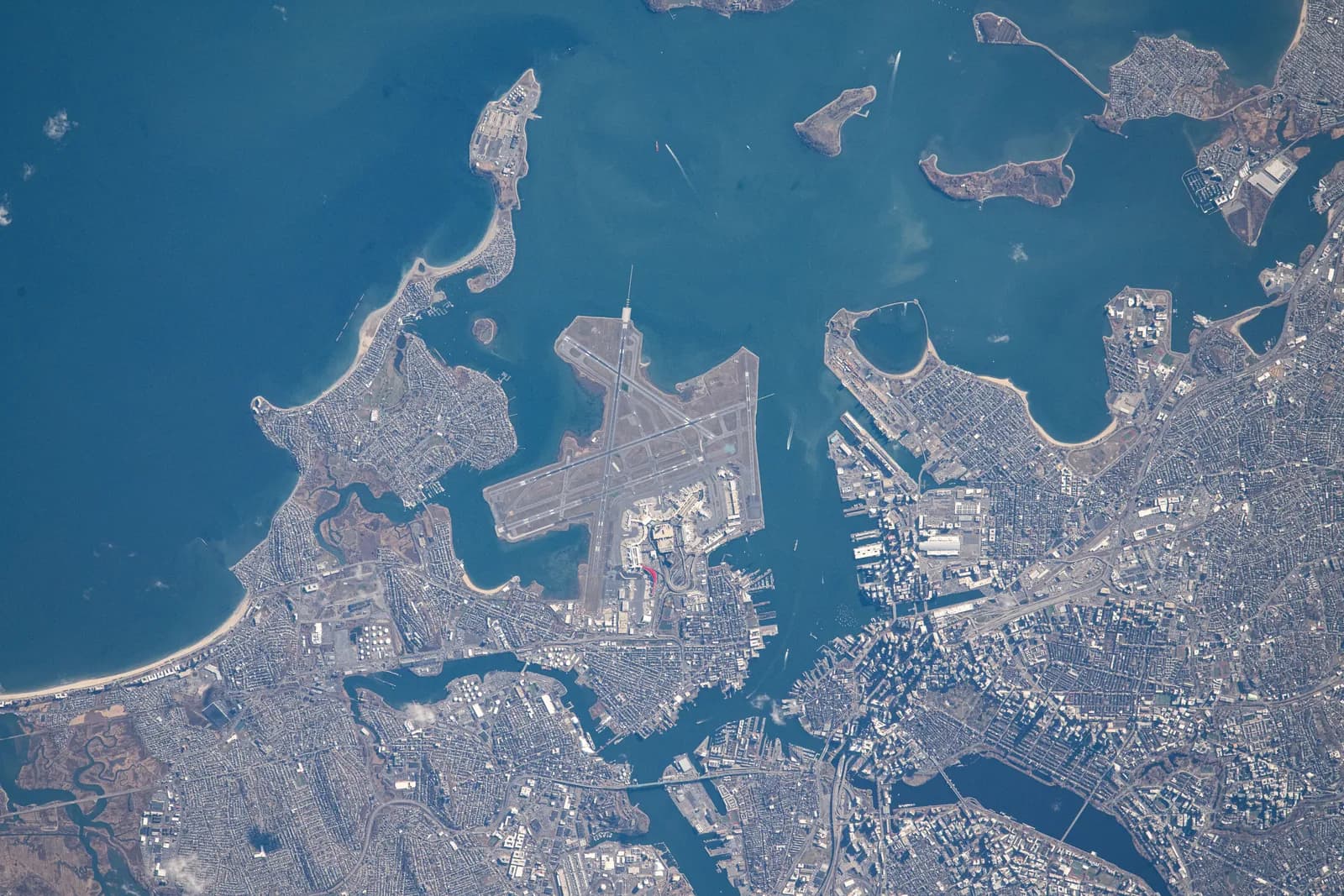
The footprint over ports, terminals and warehouse districts, with vessels placed by position.
How the rollout runs: one class first, then the template.
- Vessel, voyage and cargo schedules mapped through ConfigHub
- Ports and terminals geocoded
- Accumulation by port and zone
- Each further marine team is brought on with the same template
- Workshops with each team to agree what it needs
- Warehouse and stock-throughput schedules
- Storm overlays for the main port regions
- Exports for carriers and capacity providers
- Integration with upstream and downstream systems
- Third-party model and data feeds
From an Ebix Europe customer story. The three groupings (go-live, three months after, longer term) and the one-class-first approach are the customer's; what sits in each column for marine shows how a rollout would be scoped.
Modules involved, and the classes beside it.

See Marine & Cargo on ExposureHUB.
Book a walk-through built around your marine & cargo schedule and the questions your team asks of it.